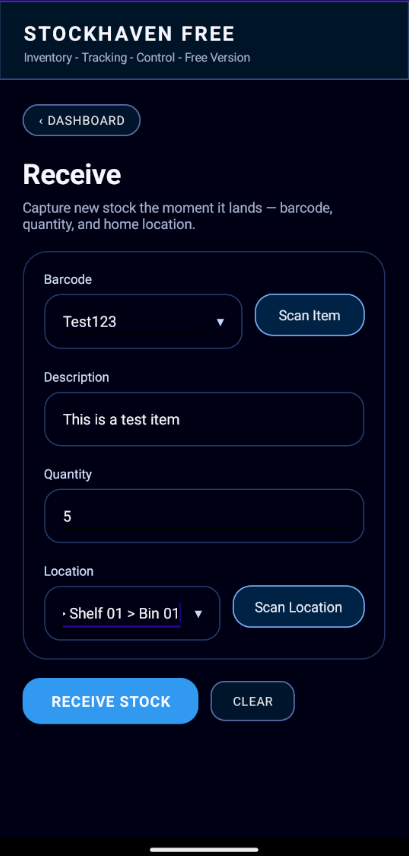
Receive inventory
Add stock with barcode scanning or manual entry and record where it belongs.
StockHaven gives small teams and individuals a straightforward way to receive, move, issue, and find inventory using the device already in their pocket.
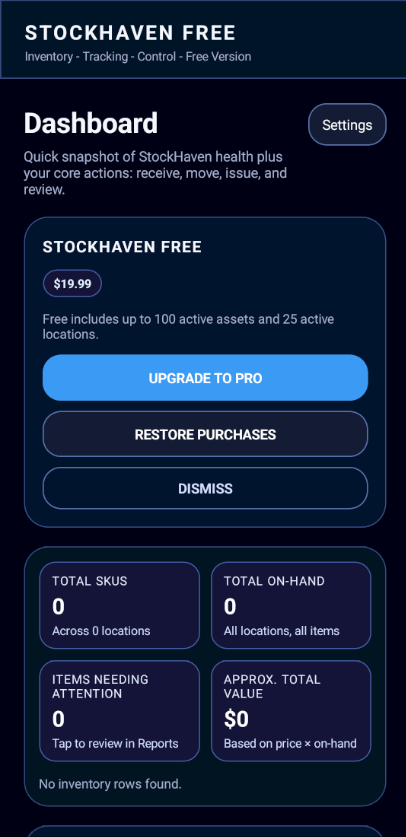
StockHaven focuses on the everyday actions that keep a small inventory organized.
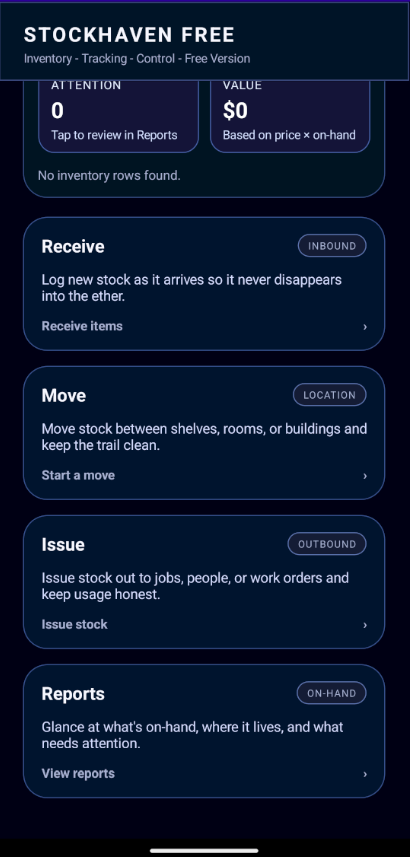
Add stock with barcode scanning or manual entry and record where it belongs.
Relocate items between shelves, bins, rooms, cabinets, or any location naming system that fits your workflow.
Reduce on-hand quantities when items are used, sold, consumed, or removed from stock.
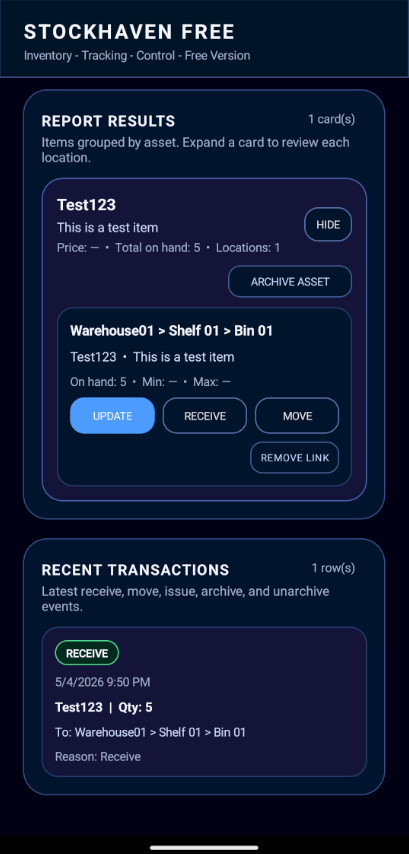
Review inventory by item or by location, with simple dashboards and reporting that make stock easier to understand.
Simple stock control for small warehouses, storerooms, supply areas, and growing operations.
Small business inventoryTrack consumables, cabinets, shelves, and backup stock without building a complicated system.
Supply closet trackingKeep spare parts and maintenance inventory organized by the location names your team already uses.
Parts room trackingTrack stored goods, garage inventory, collections, pantry items, or products waiting to sell.
Enough capacity to try StockHaven on a real inventory.
For larger inventories and users who need more management control.
StockHaven stores inventory locally on your device and includes backup export and import tools. There is no StockHaven account required just to organize your inventory.
No. StockHaven works for small businesses, supply closets, parts rooms, resellers, garages, and home inventories that need barcode scanning and location tracking.
No. StockHaven is local-first and does not require an account just to organize inventory.
Yes. StockHaven includes backup export and import tools so you can save a local copy of your inventory data.
Scan inventory. Track locations. Know what you have.