Track stock by bin, shelf, or room
Use location names that match the physical parts room, including shelves, bins, drawers, cabinets, cages, and work areas.
StockHaven helps teams track parts, tools, consumables, and maintenance stock by barcode, quantity, and location without building a custom spreadsheet or heavyweight warehouse system.
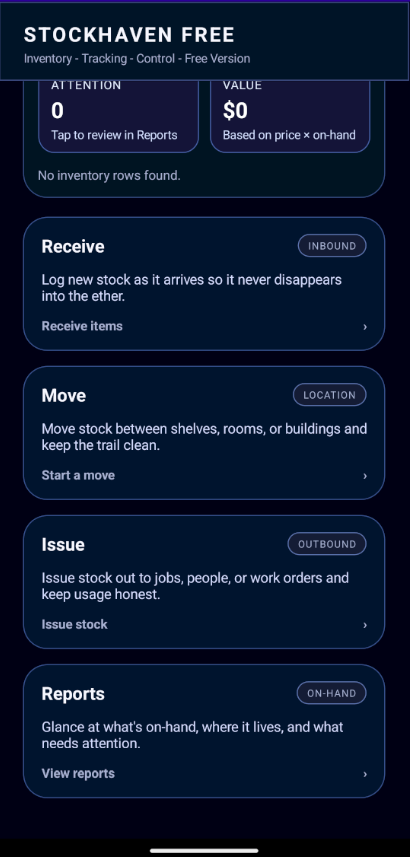
Use location names that match the physical parts room, including shelves, bins, drawers, cabinets, cages, and work areas.
Add spare parts, replacement items, supplies, and consumables with barcode scanning or manual entry.
Relocate stock between bins, rooms, vans, cabinets, and staging areas while keeping item counts organized.
Reduce on-hand quantities when parts are pulled for a repair, consumed by a job, or removed from stock.
Parts rooms and tool cribs usually fail in small ways first: a missing belt, a drawer of unlabeled fittings, a replacement part no one can find, or a shelf that only one person understands. StockHaven keeps that spare parts inventory visible by pairing each item with a count, a barcode, and the place it actually lives.
Use it for maintenance supply tracking when you need a practical record of what is on hand, what moved, and what was issued for a repair without turning every stock adjustment into an accounting project.
Receive stock, assign locations, and issue items when they leave.