Receive stock as it arrives
Add products, supplies, parts, or stored goods with barcode scanning or manual entry, then assign each item to the place it belongs.
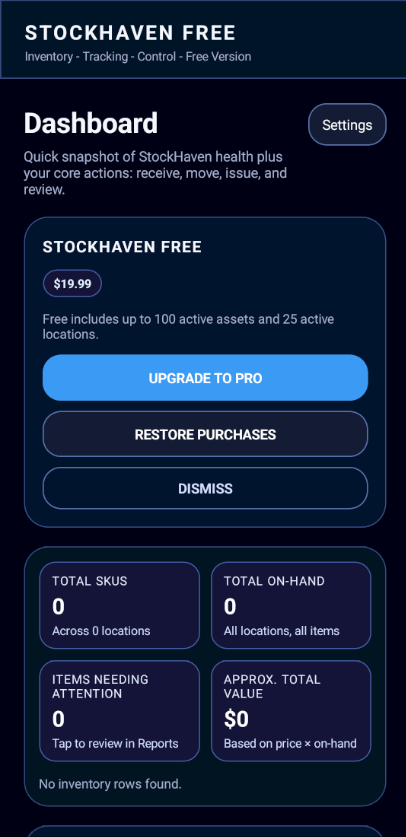
StockHaven gives small businesses a straightforward way to scan inventory, track quantities, name locations, and see what is on hand from an iPhone.
Add products, supplies, parts, or stored goods with barcode scanning or manual entry, then assign each item to the place it belongs.
Use flexible names like back room, shelf 2, bin A, trailer, cabinet, or any location language your business already uses.
Issue inventory when items are sold, used, consumed, assigned out, or removed from stock.
Use dashboards and reports to answer what you have, where it is stored, and what your inventory is worth.

Scan items, assign locations, and build from there.